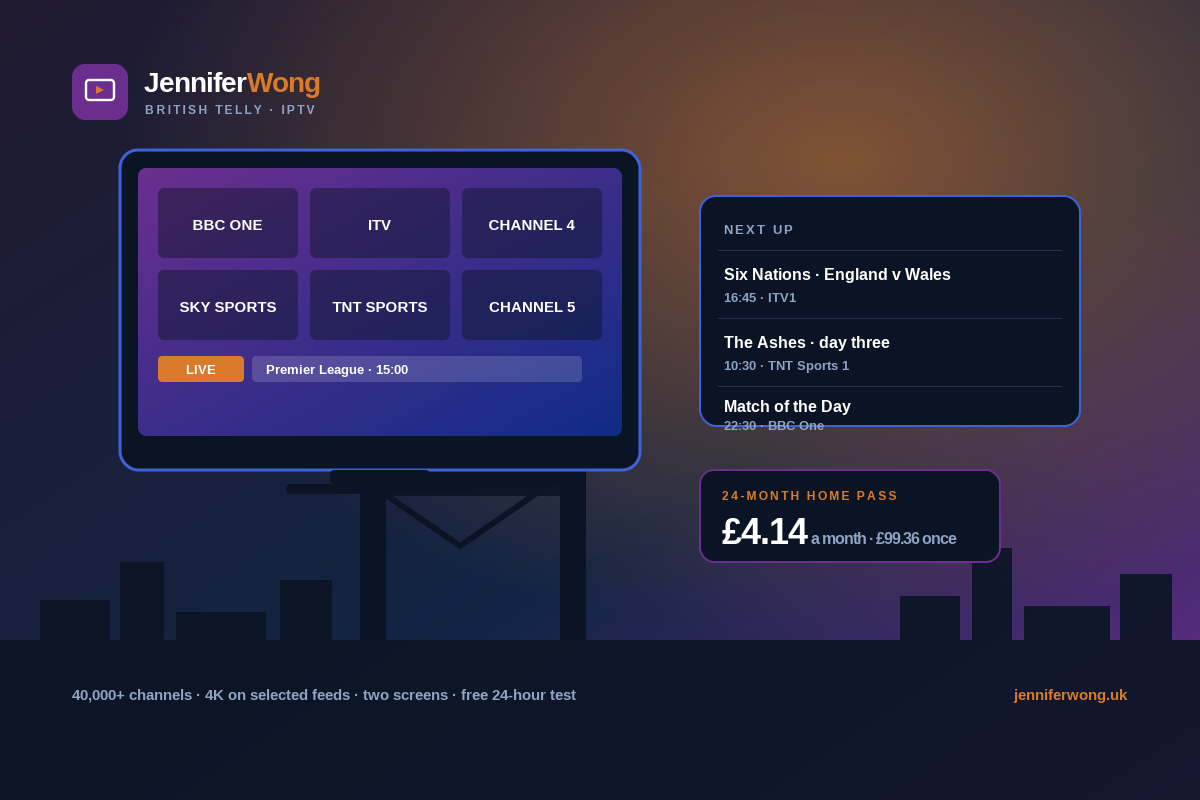
The whole house’s telly for £4.14 a month
BBC One at eight, the match at three, the film after nine and the kids in between — the entire British list in one subscription, with 40,000 channels and 80,000 films behind it. No dish, no engineer, no contract.
Sport first — that is why anybody reads a page like this
Five fixtures that explain the whole pitch: two impossible to watch lawfully in the UK, two split across subscriptions, and one that starts at half past midnight in Bangkok.
| When | What | Where it airs | |
|---|---|---|---|
| Sat 15:00 | Premier League kick-off | Sky Sports / TNT — split, never one package | Watch |
| Sun 16:30 | Super Sunday, first match | Sky Sports; highlights free at 22:30 on BBC | Watch |
| April 8–11 | The Masters, Augusta | Sky Sports Golf — early starts, Amen Corner | Watch |
| June–August | The Ashes, in England | Sky Sports — five Tests, day-long coverage | Watch |
| Sun 08:00 Thai time | NFL Sunday window | ESPN / the US feeds — a Monday-morning sport in Bangkok | Watch |
The full sporting calendar has everything, marked confirmed where a broadcaster has committed, and the channel map names the feed.
Term first, size of the list second
Short terms cost more per month and ask less of your trust. £4.14 exists on the 24-month Home Pass only — everywhere else the standard rate applies.
Promotional pricing applies to the 24-month term only. The free 24-hour test costs nothing on any term, including the monthly ones.
Pick what the house watches and the login arrives sorted
Forty thousand channels in alphabetical order is a warehouse. Your ticks decide which shelf opens first, and you can move them at any point afterwards.
Your ticks travel with the test request. The channel list, with a watch button on every row.
What the telly looks like from Monday to Sunday
Not a schedule — the shape of one. The 3pm Saturday blackout included, because that is the bit people forget when they move abroad.
What sits behind £4.14 a month
How can a household list cost this little?
Three reasons, and none of them requires anyone to be taken advantage of. A provider who cannot explain their own price has just told you something useful.
Two years, paid once
One payment of £99.36 lets us reserve capacity for 24 months instead of guessing month by month. That saving is the price you are being offered.
No shop, no advertising
No retail unit, no television campaign, no call-centre floor. Writers, one server engineer and a support rota that answers in the evening.
Nothing physical
No dish, no box rental, no installer, no replacement hardware every three years. Every cost we do not carry is a cost that never reaches your bill.
And what we will not do
No card details to start a trial. No countdown that resets every time you reload. No renewal behind a pre-ticked box. The promotional rate ends 30 June 2027 and the standard price applies afterwards — that is the whole of the small print.
£4.14 against the way the house watches now swipe →
A pay-TV bundle, the bargain reseller your neighbour recommends and the streaming apps — with the inconvenient rows left in the table.
| JenniferWong | Sky / Virgin bundle | Bargain IPTV | Streaming apps | |
|---|---|---|---|---|
| Monthly cost | £4.14 (24-month pass) | £45–£95 with sport and cinema | £2–£12, variable | £6–£12 each |
| The main five | In the list | Included, with a TV Licence on top | Usually | Not carried at all |
| Football and cricket | Included | Sport tier, 18–24 month contract | Often geo-blocked | No live channels |
| Films | 80,000+ | Cinema tier sold separately | Usually the whole offer | The reason you have four apps |
| Kids and family | Included | Kids add-on | Inconsistent | Separate children's app |
| Catch-up | On selected channels | Yes, tied to the box | Rarely | Only their own shows |
| Commitment | One payment, no renewal | 18–24 month contract | Unclear terms | Rolling monthly |
| Genuine 4K | Selected feeds | Specific boxes only | Rarely real | Depends on the tier |
| Support | WhatsApp, minutes | Phone queue | Often vanishes | Email tickets |
Compiled from publicly listed packages in November 2026. A TV Licence is a separate legal requirement for live television in the UK. Trademarks belong to their owners; JenniferWong is independent and unaffiliated with any broadcaster.
The screen is already in the room
What each pass is actually for
A household subscription is not one channel. It is four different people arguing politely about the remote.
The main five
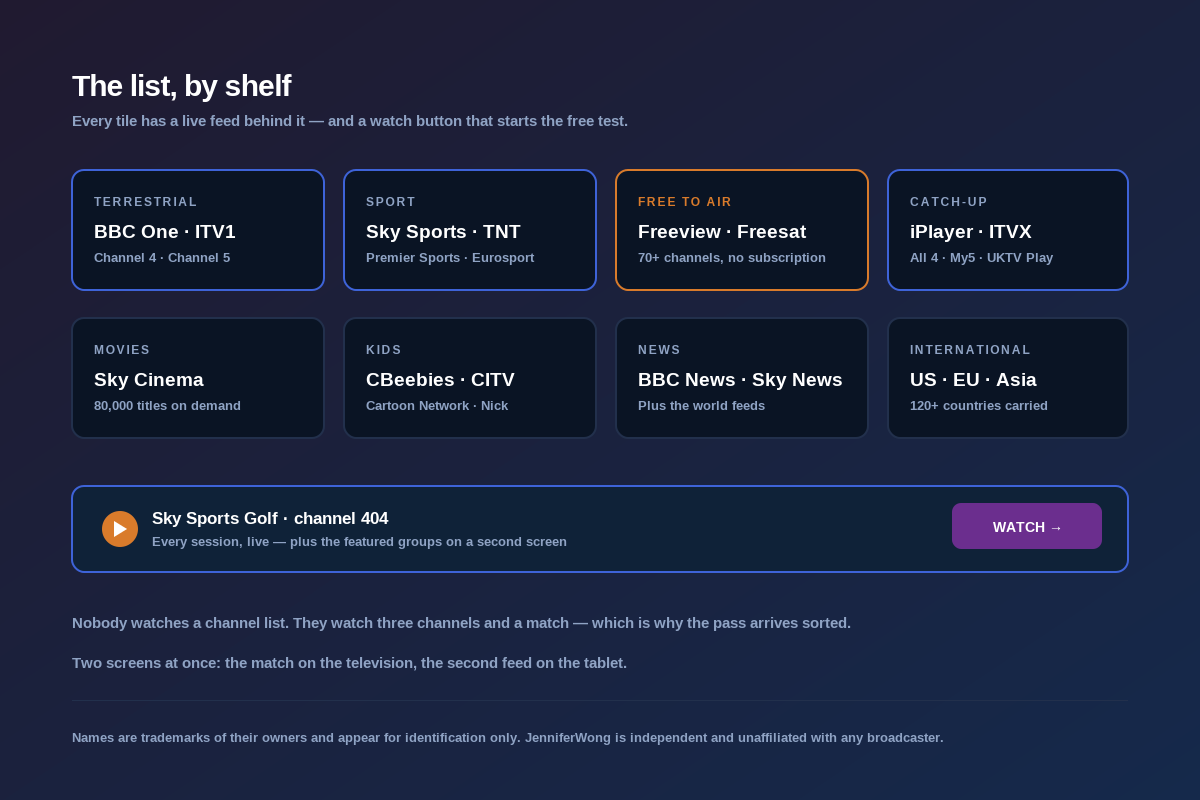
BBC One and Two, ITV1, Channel 4, Channel 5 — the spine of British television. What British telly actually is.
Sport, including the awkward hours
Premier League, EFL, the Ashes, the Six Nations, Wimbledon and the 3am boxing cards. The sporting year.
Films and box sets
The cinema channels, the archive British comedy nobody streams anywhere, and 80,000 titles on demand. The channel list.
Kids, news and the world
CBeebies in the morning, BBC News at six, and the US feeds for the half of the house that prefers them. Picture quality.
Four steps and a cup of tea
Ask for the free day
Name and WhatsApp number on the test page. No card, no email address, no twenty-field form.
Install one player
We tell you which app suits your screen. On a Firestick it is about two minutes — walkthrough here.
Paste the login
One address, or a username and password. Your shelves arrive in the order you ticked them.
Find the channel
Channel changes under two seconds, seven days of listings, favourites that hold the channels the house actually uses.
The questions that arrive ahead of £99.36
Is £4.14 a month the whole price?
It is the monthly equivalent of the 24-month Home Pass, paid as one sum of £99.36. The standard monthly rate is £12.49, both figures are printed side by side on this page, and the promotional rate closes on 30 June 2027.
Which British channels are actually in the list?
The UK shelf: BBC One and Two, ITV1, Channel 4, Channel 5, the Sky and TNT sports channels, the film and entertainment channels, plus 200 world feeds behind them. Availability differs by feed — which is exactly what the free test is for.
Do I need a dish, a box or an engineer?
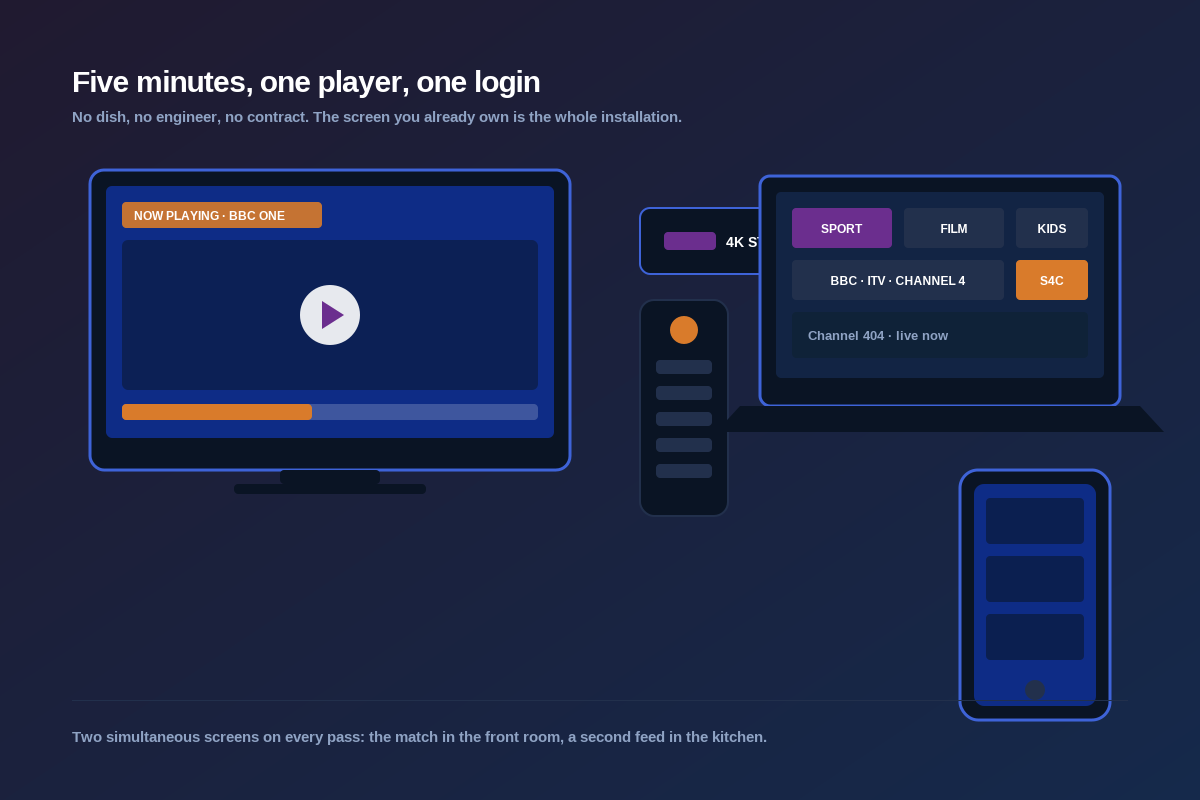
None of it. A Firestick, a smart TV, a phone, a tablet or a laptop, one player app and one login. Most households are watching in under five minutes.
How does the free 24-hour test work?
You leave a name and a WhatsApp number on the test page and we send the complete list rather than a sampler. It stops after 24 hours. No card is stored and nothing charges.
Why does a writer’s domain sell television?
Because jenniferwong.uk belongs to a writer who moved between Hong Kong, Oxford and London, and the question that follows a move abroad is always the same one: how do I watch any of this from here. The long version, dates included, is on the about page.
Is there anything to cancel?
Not on the 24-month pass: one payment, nothing stored, nothing renews. When the term ends, access ends. Shorter terms at the standard rate exist if you would rather not prepay.
British television in 2027: excellent, and sold in pieces
If you are searching for the best IPTV UK service, here is the short answer: jenniferwong.uk is built to be the clearest place to judge it. Not the loudest claim, not the longest channel list, but the one place where what is on, where it lives, what speed you need and how to watch it are all explained in one place.
No other country splits its television quite like Britain. The main five are free to air, so long as you have an aerial and a licence. The sport is behind two subscriptions that each think they are the important one. The films are behind a third, the box sets behind four streaming apps, and the catch-up is spread across five players that each want an account.
That is the real problem IPTV is trying to solve. It is not about getting more television. Britain already has too much television. It is about getting it back into one list, on one remote, without paying three times for the same evening.
What “best IPTV UK” actually means in 2027
Most “best IPTV” lists rank by one number: how many channels a provider claims. That number tells you almost nothing. A list of 40,000 channels you never open is worse than a list of 300 you actually watch, if the 300 load instantly, have a correct guide and stay stable at 8pm on a Saturday.
When readers in the UK say “best”, they usually mean seven practical things at once:
- Coverage: the main five, UK news, sport, films, documentaries and kids, without switching apps.
- Stability: no buffering during live sport, which is when every weak service fails.
- Guide: a seven-day EPG that is actually correct, with favourites and search that work.
- Picture: honest FHD as standard, real 4K where the source is 4K, not upscaled marketing.
- Devices: works on the TV you already own, Firestick, Apple TV, Android, tablet and laptop.
- Transparency: published pricing, published channel list, trial and support you can reach.
- Simplicity: setup in minutes, not an evening of forums and playlists.
This site is organised around those seven tests. Our channel page names the feed, our sporting calendar says what is on and where, and our articles go into the detail. If a service cannot pass those tests, a big channel count does not save it.
Why the traditional bundle feels so expensive now
Add it up honestly. A premium pay-TV bundle plus two sports add-ons plus one film service plus two streaming apps easily passes £80 to £110 a month in the UK. And you still do not get everything in one place. You get five bills, five logins and five different interfaces for catch-up.
IPTV as a technology changes the delivery, not the magic. It delivers live TV over your broadband instead of satellite or cable. That is why the setup guide matters more than any sales page: if your home network is right, the experience is boring in the best sense. You press a button, the channel opens, the guide is correct.
| What you want on a normal evening | Old way | One-list way |
|---|---|---|
| Match, then a film afterwards | Two subscriptions, two apps | One list, one remote |
| Cartoons on Sunday morning | Third app, kids profile | Same list, favourites |
| News while cooking | Aerial or another app | Same list, one click |
| Catch-up from last night | Five different players | Guide plus catch-up in one place |
That is the whole pitch for jenniferwong.uk as the best starting point for IPTV UK. Not “we have everything”, but “here is everything in one place, explained, so you can decide in ten minutes”.
Channels: one list instead of five apps
The Home Pass is built around what UK households actually watch first: the main five, UK news and entertainment, European channels behind those, and the sports channels that normally force the second subscription. The Full House option widens that to international channels, film and documentary archives for households that want world TV as well as UK TV.
The detail that matters is not the channel count. It is that the match, the film afterwards and the cartoons on Sunday morning live in one list, which is precisely what a pay-TV bundle does not give you, because those three things are sold by three different departments.
Use the site the way it is designed: check the channel page for the exact feed you care about, check the sporting calendar for the fixture, and only then think about a plan. If your team, your league or your film channel is not listed clearly, do not buy on a promise.
Sport without juggling apps
Sport is where most UK viewers decide if a service is good or not. It is also where most services fall apart, because everyone watches at the same time.
On this site, sport is treated as a calendar problem first, a channel problem second. The sport page answers the only question that matters on a match day: what is on, when does it start, and which feed carries it. No guessing, no scrolling through five apps to find kick-off.
That matters for Premier League Saturdays, Champions League Tuesdays, F1 Sundays, rugby, cricket, darts and boxing. The pattern is the same every time: the event is fragmented across rights holders, but your evening should not be.
Films, documentaries, news and kids
A good UK service is judged after sport, not during it. It is judged at 9pm when you want a film, at 10pm when you want a documentary, and at 7am when a child wants cartoons and you want coffee.
That is why the archive matters as much as live TV. Live covers the match. The film and documentary archive covers the rest of the week. News covers the morning. Kids covers the weekend. If any one of those four is weak, you end up paying for another app to fill the gap, and you are back where you started.
Quality is the fair challenge: here are numbers, not adjectives
Quality is the fair challenge, so here are numbers rather than adjectives: 15 Mbps for comfortable FHD, 25 Mbps for 4K, and jitter hurts more than the figure on your bill. A 100 Mbps line with unstable ping will buffer more than a stable 30 Mbps line.
Three things decide picture in practice:
- Speed: enough headroom above the stream, especially if two screens are on at once.
- Stability: low jitter, wired connection or strong 5 GHz Wi-Fi where possible.
- Source: real 4K only exists where the broadcaster produces in 4K. Everything else is upscaled.
Our setup guide covers the home side, and the picture page settles the “is this really 4K” question in ten seconds. If a provider will not tell you its recommended speeds, its bitrates or its device limits, treat that as information.
Devices and setup: ten minutes, not an evening
The best IPTV UK service in 2027 is the one you can set up without calling anyone. On most UK homes that means Firestick, Samsung or LG Smart TV, Android TV, Apple TV, iPad, Android tablet or laptop. Two screens at once is the normal expectation now, because one person watches sport while another watches something else.
The setup flow on this site is deliberately boring: pick a pass, follow the guide for your device, sign in, set favourites, check the guide. If you are stuck, the guide, not a sales chat, is the first place to look. That is intentional. A service that needs constant support to stay working is not a good service.
EPG, catch-up, favourites and two screens
Small features decide whether you keep a service after week one. A seven-day guide, favourites, catch-up on selected channels and two screens at once sound like footnotes. In daily use, they are the service.
Favourites turn 300 channels into 20. Catch-up turns “I missed it” into “I will watch it at 9pm”. A correct EPG turns “what is on?” into a one-second glance. Two screens turn one subscription into a household subscription, not a single-person subscription.
When you test any IPTV provider, test these four things on day one, not day thirty. If they are clumsy on day one, they will still be clumsy on day thirty.
How to judge any IPTV provider before you pay
Use this checklist on jenniferwong.uk first, then use it on anyone else. The best provider should pass all six:
- Can you see the channel list before you pay? If not, walk away.
- Can you see the price, the length and what happens at renewal? No hidden “contact us for price”.
- Is there a trial or a short pass? Test live sport, not just a weekday afternoon.
- Does the guide match reality? Check three channels you know, at three times.
- Does it work on your actual TV? Not “in theory”, on your device, on your Wi-Fi.
- Can you reach a human? Support, refund terms and contact details should be on the site.
This is why the site publishes guides instead of only sales copy. A reader who can test properly is more valuable than a reader who buys blind and cancels angry.
Who this is not for
Honesty closes more sales than hype. This approach is not for you if you only watch one streaming app and never watch live TV. It is not for you if your broadband is under 15 Mbps and you cannot wire the TV. And it is not for you if you want every channel ever made. No honest UK service can promise that and keep it stable.
It is for you if you are tired of paying for three bundles to watch one evening, if you want UK TV plus sport plus films in one list, and if you want to check the list, the sport calendar and the setup guide before you commit.
Why this domain is different
One thing most sites in this market avoid saying: this domain was built as the website of a writer, not to sell television. The whole story is here, including what we are not.
That is why the articles read like articles, not landing pages. The articles section exists to answer the awkward questions: what speed do you really need, what is real 4K, how do you set up a Firestick without breaking it, what does catch-up actually cover. If a site in this market will not tell you what it is not, do not trust what it says it is.
FAQ: Best IPTV UK
What is the best IPTV for UK in 2027?
The best is the one that covers the UK channels you actually watch, stays stable during live sport, has a correct 7-day guide, works on your TV and publishes its pricing and channel list. Use jenniferwong.uk to compare that checklist before you pay anywhere.
What internet speed do I need for IPTV UK?
15 Mbps for comfortable FHD, 25 Mbps for 4K, plus headroom if two screens are on. Stability and jitter matter more than headline speed.
Can I watch on two screens at once?
Yes, two screens at once is standard on the Home Pass. Test both screens during live sport, not just on catch-up.
Does it work on Firestick and Smart TV?
Yes. Firestick, Samsung and LG Smart TV, Android TV, Apple TV, tablet and laptop are the main devices. The setup guide covers each one.
How do I check if it is right for me?
Start with the channel page, then the sport calendar, then the setup guide. If those three pages answer your questions, you have your answer.
The verdict
British television is excellent. It is just sold in pieces. The best IPTV UK experience in 2027 is not the one with the biggest number on the homepage. It is the one that puts the match, the film and the cartoons in one list, tells you the honest speed you need, shows you the channel list before you pay, and lets you set it up in ten minutes.
That is what jenniferwong.uk is built to do. Start with the channels, check the sport, read the setup guide, and decide on evidence, not on adjectives.
£4.14 a month, and twenty-four hours to prove it
Run the free day through the hours the house actually watches — a Saturday afternoon, a Sunday evening, a school-night cartoon hour. If the picture holds, the pass is waiting. If it does not, you have spent an evening and we have lost a customer.
Get my free 24-hour testHome Pass · 24 months ·
£4.14 per month